
Marriage Biodata in Word Format
100% free editable DOCX formats for families who want full control. Create your matrimonial profile online and download a Word file you can customize offline in MS Word, Google Docs, or LibreOffice.

॥ श्री गणेशाय नम: ॥

Classic Ganesha Floral

॥ Jai Shree Ganeshya Namah ॥

Gajaraj Shahi Crimson
॥ हर हर महादेव ॥

Traditional Gold
॥ Jai Shree Ganeshya Namah ॥
Gajaraj Royal Heritage

॥ Jai Shree Ganeshya Namah ॥
Modern Teal
॥ Jai Shree Ganeshya Namah ॥
Ganesha Kripa Gold

॥ Om Namah Shivay ॥
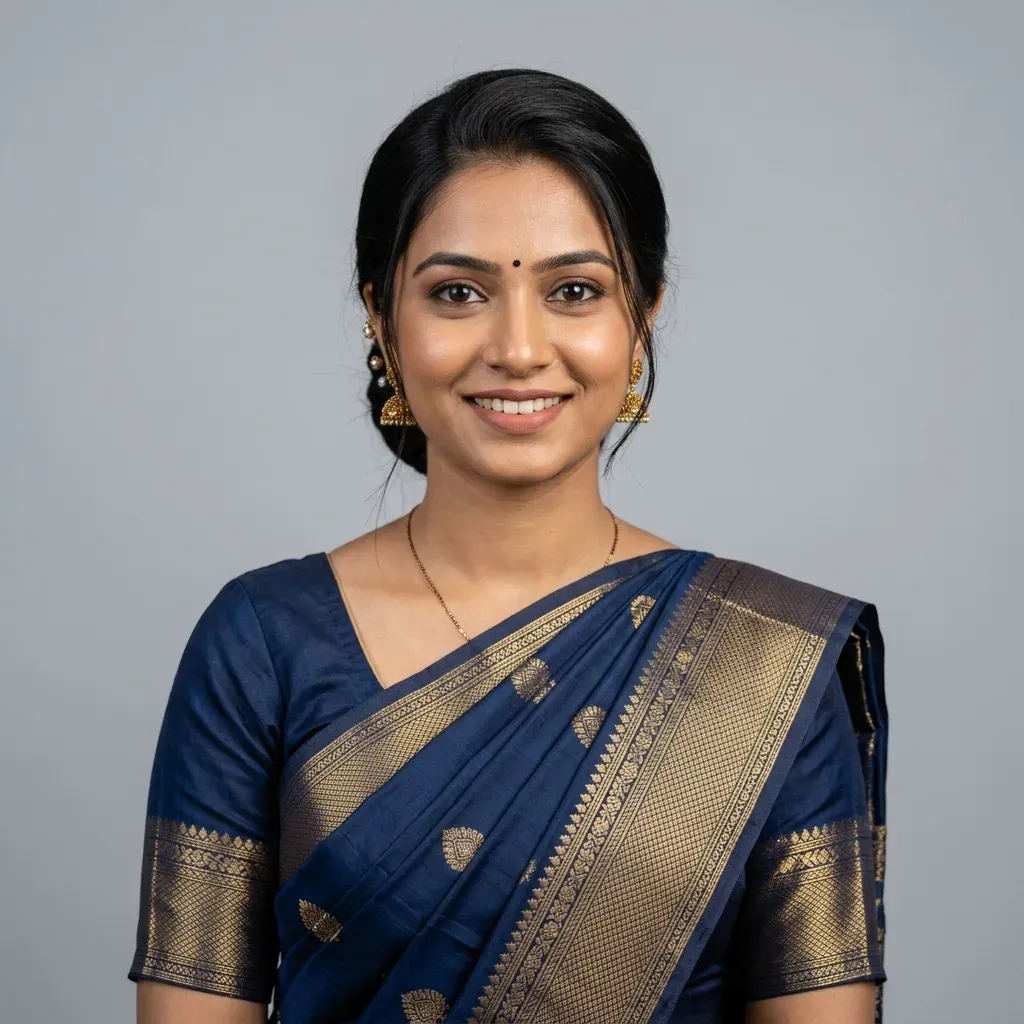
Swarna Jharokha Ganesha
॥ Om Namah Shivay ॥
Royal Gold
॥ Jai Shree Ganeshya Namah ॥
Rose Blush Ganesha
॥ ॐ नम: शिवाय ॥

Floral Gold
॥ Har Har Mahadev ॥
Vintage Gold Parchment
॥ Om Namah Shivay ॥
Brown Bird
॥ हर हर महादेव ॥
Sona Sanskriti
॥ Om Namah Shivay ॥
Basic Template
॥ श्री गणेशाय नम: ॥
Scarlet Aura
॥ Jai Shree Ganeshya Namah ॥
Royal Amethyst
॥ Jai Shree Ganeshya Namah ॥
Ivory Filigree


Emerald Paradise

Turquoise Arabesque
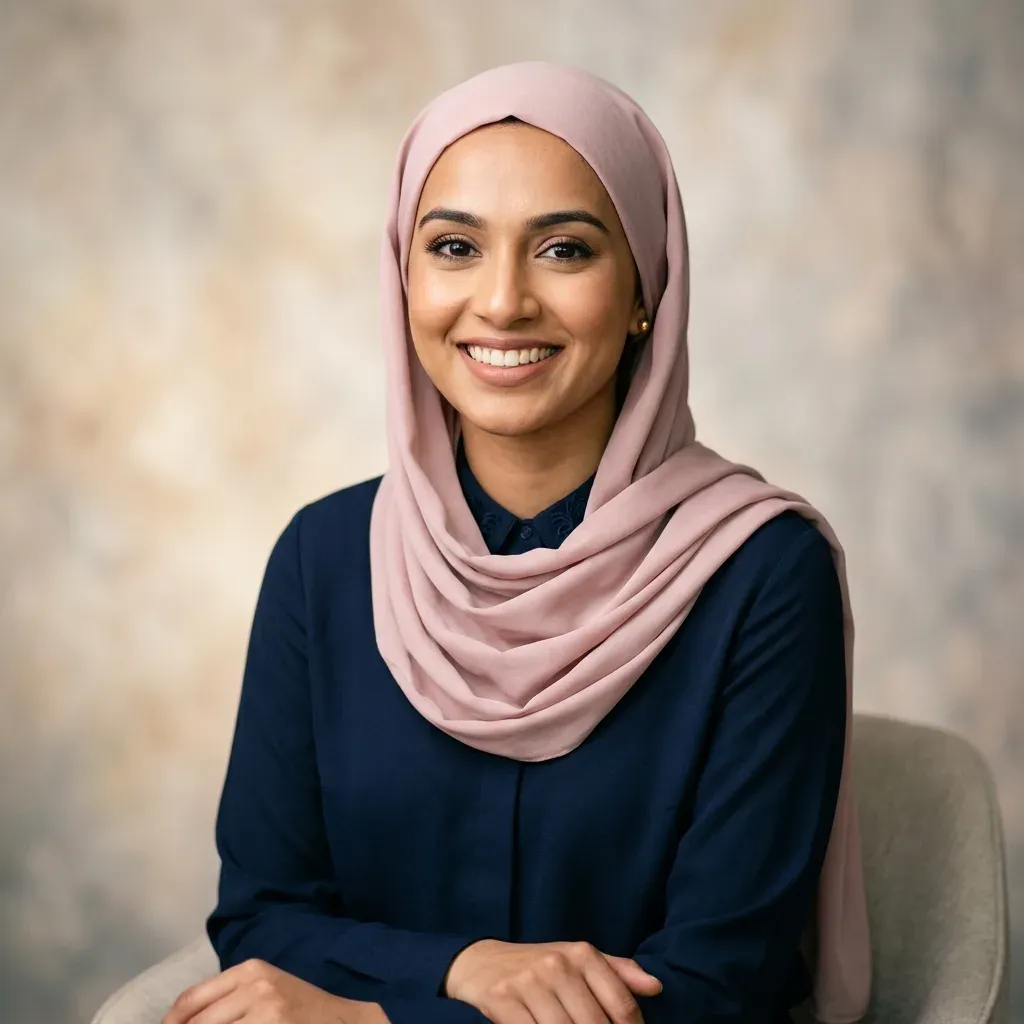
Midnight Lantern
Sandstone Grace
Imperial Nikah

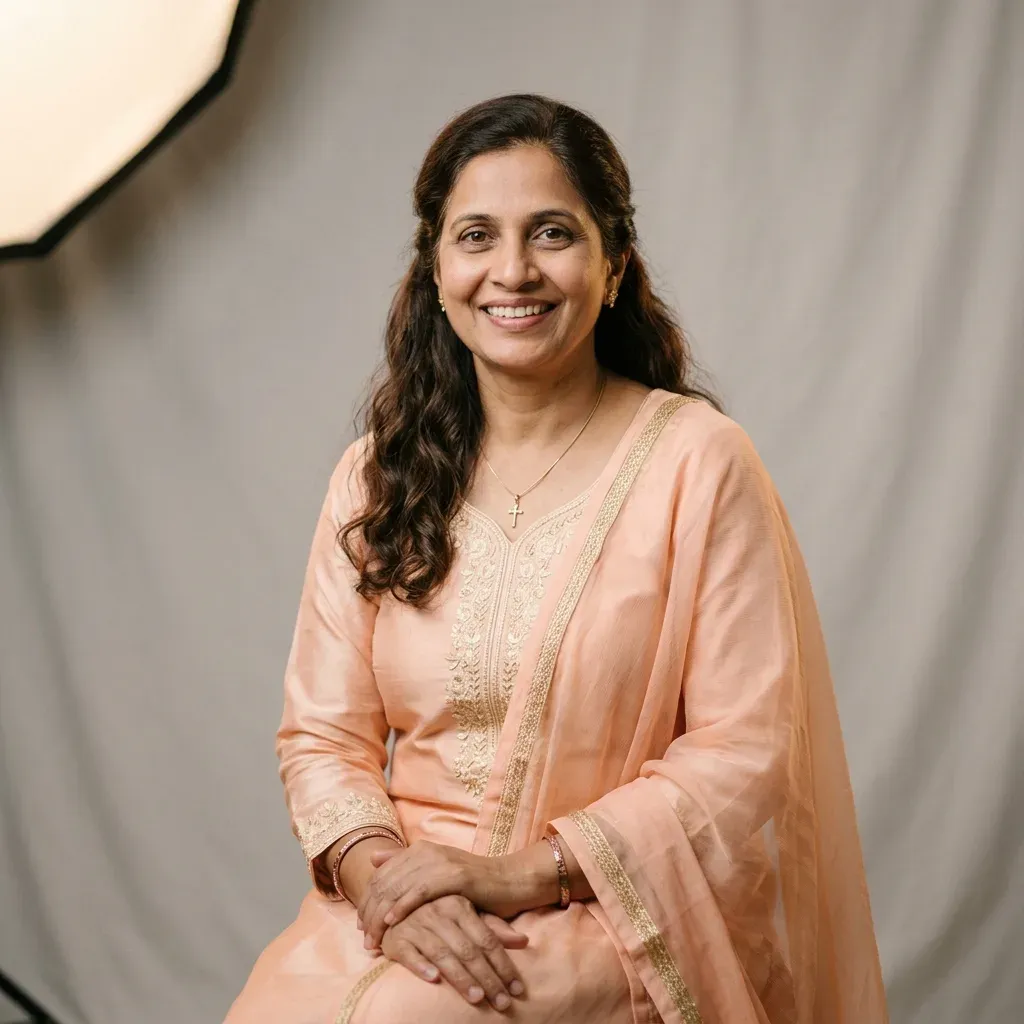
Celestial Grace
Ivory Chapel

Azure Faith
Rose Garden
Silver Blessing

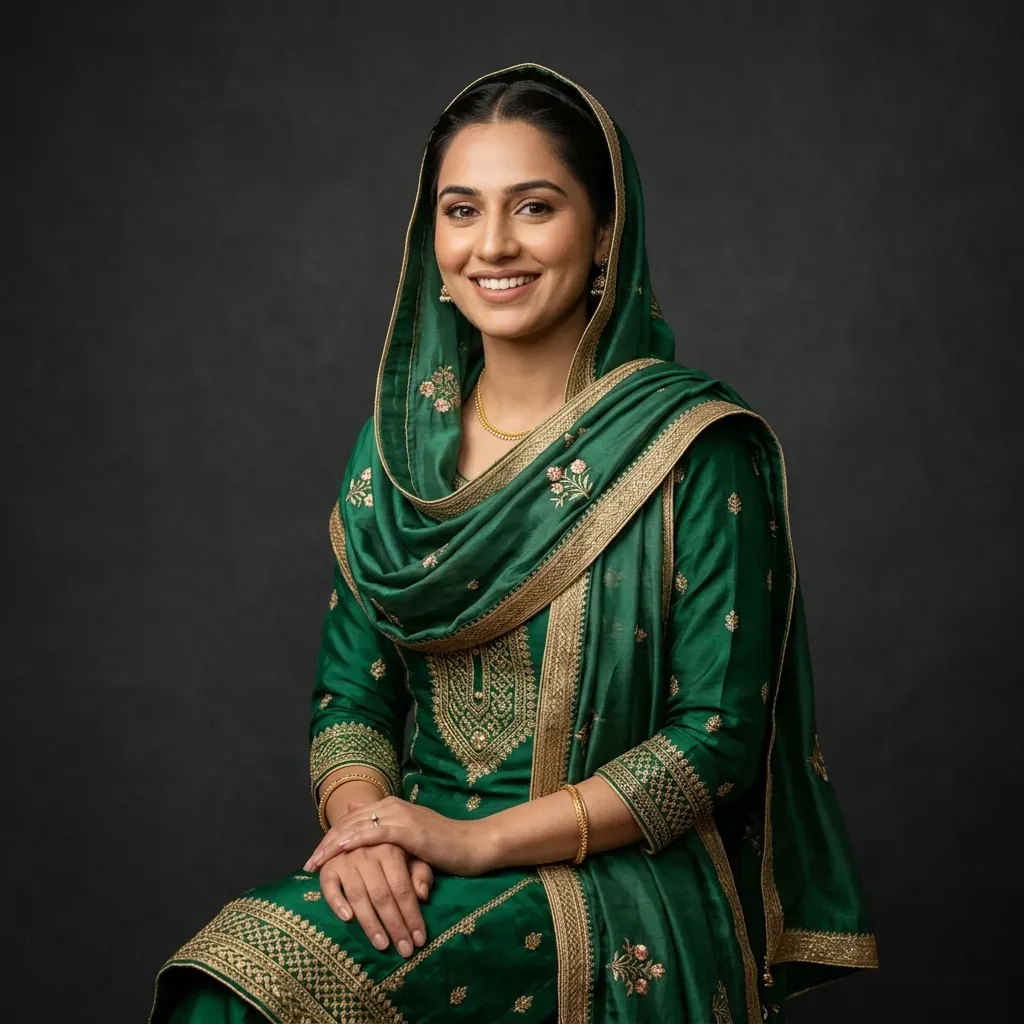
Golden Khanda
Saffron Glory

Anand Karaj
Punjab Heritage
Steel Akali
॥ Har Har Mahadev ॥
Aura Crimson
॥ श्री गणेशाय नम: ॥
Sanskrit Sandalwood
॥ श्री गणेशाय नम: ॥
Marigold Garden
॥ Jai Shree Ganeshya Namah ॥
Royal Peacock
॥ ॐ नम: शिवाय ॥
Temple Lotus
Why Choose
Word Format?
Fully Editable Offline
Change text, fonts, colors, and table rows after download. Add custom family sections or cultural headings your elders prefer.
Universal DOCX Standard
Opens cleanly in Microsoft Word, Google Docs, WPS Office, and LibreOffice — on desktop and mobile.
Free Marriage Biodata
Word Download Guide
A marriage biodata in Word format gives you the flexibility PDF cannot — edit surnames lists, add gotra or kul details, extend education history, or rewrite partner preferences before sending to matchmakers. Our builder pre-fills every section so you start with a polished layout, not a blank document.
Each export uses structured Open XML tables that preserve alignment when opened on any device. Download once, edit offline with family, then save as PDF or print directly from Word when you are ready to share.
Word DOCX Checklist
5 Easy Steps to Download Your Word Biodata
Generate a customizable, editable marriage biodata in Word format using our free online maker.
Pick a Template
Choose from premium matrimonial layouts optimized for Word export and Indian family formats.
Fill Profile Details
Enter biographical, education, career, and family details in our secure online form.
Preview Your Layout
Review spelling, photo placement, and section order in real time before exporting.
Download DOCX
Export your marriage biodata as an editable Word file — free, instant, and print-ready.
Edit & Share Offline
Open in MS Word or Google Docs, make final tweaks with family, then share or print.
Marriage Biodata Word FAQs
Common questions about downloading and editing matrimonial biodata in Word format.