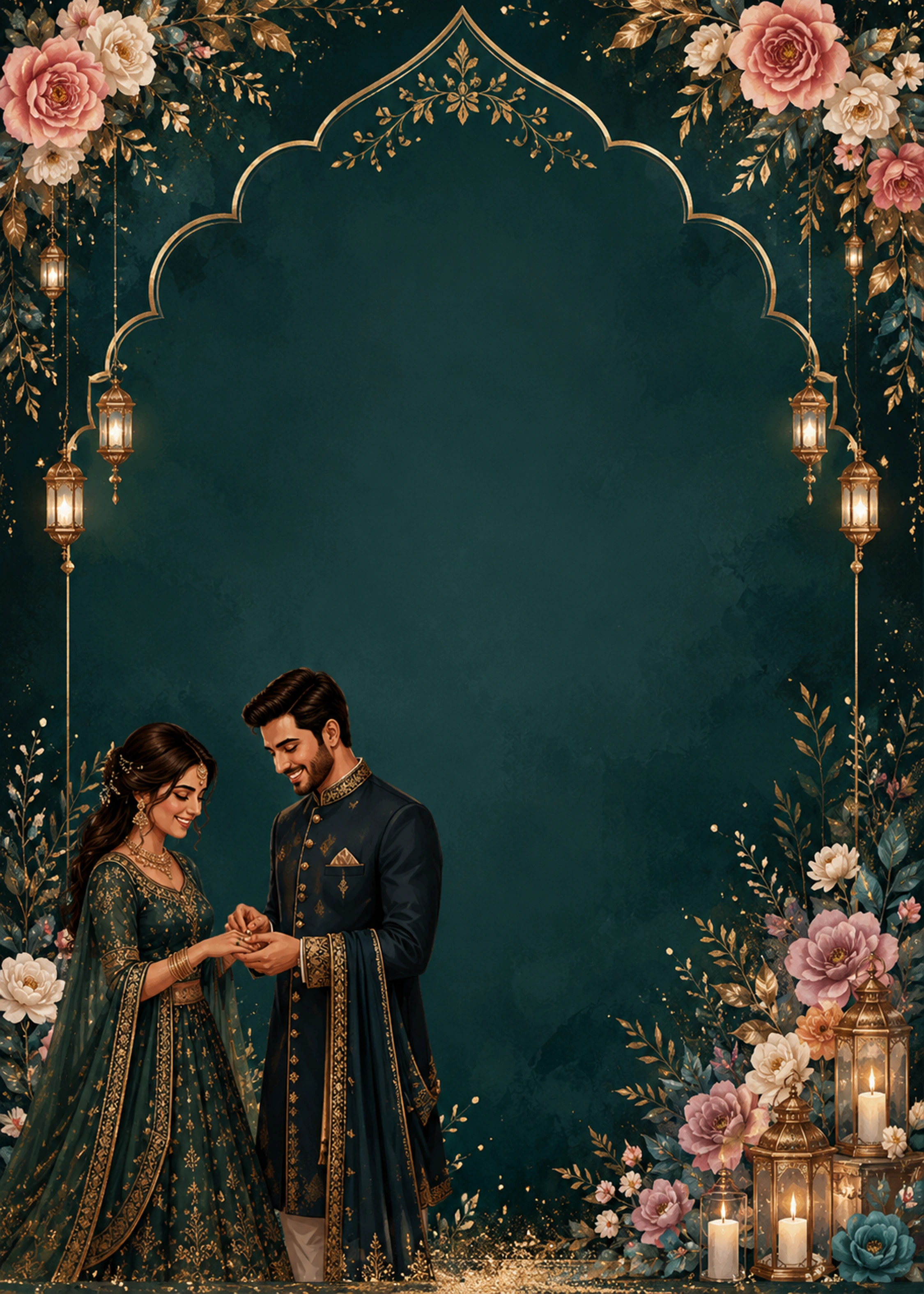
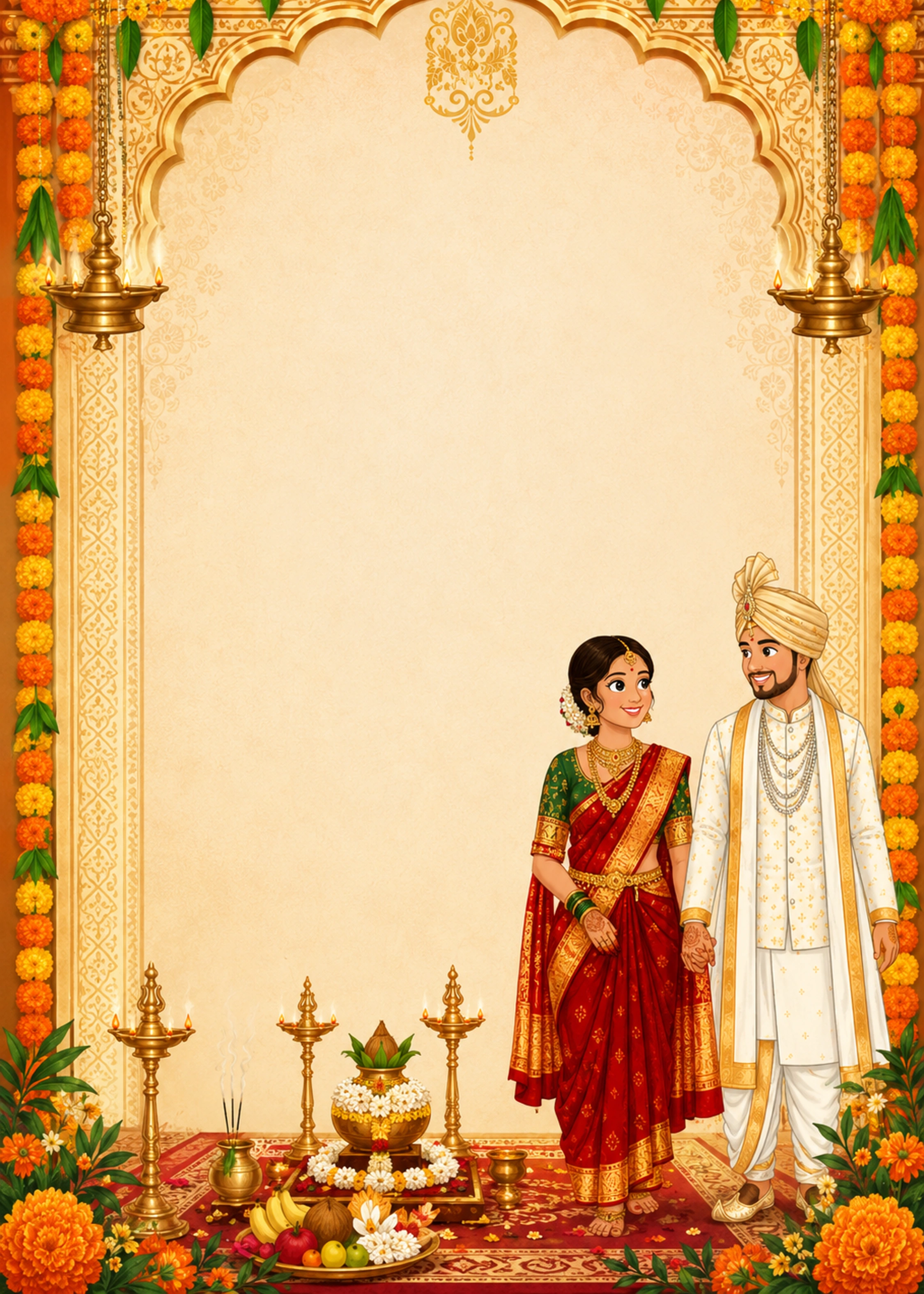
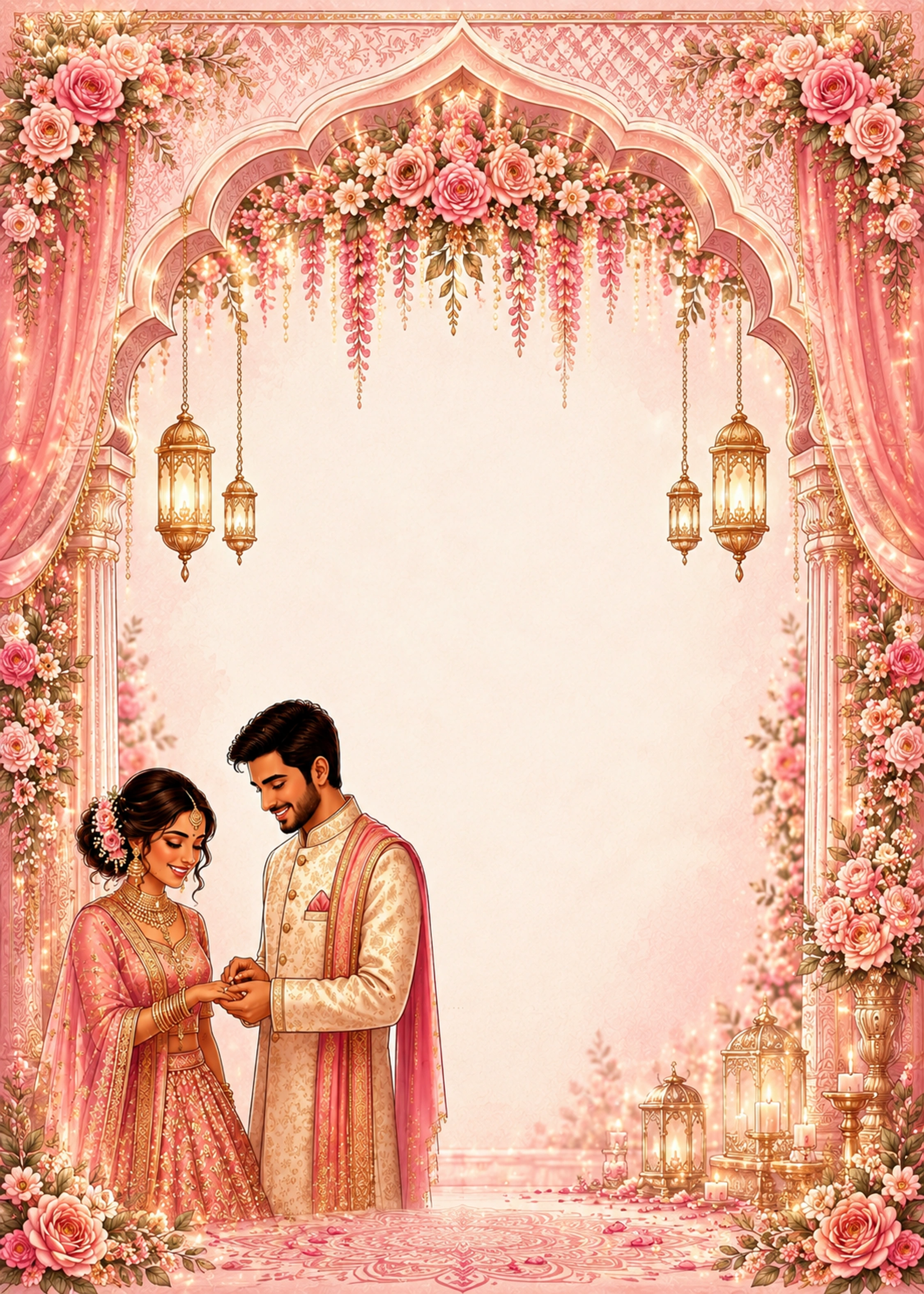
Loading invitation templates...

Loading invitation templates...
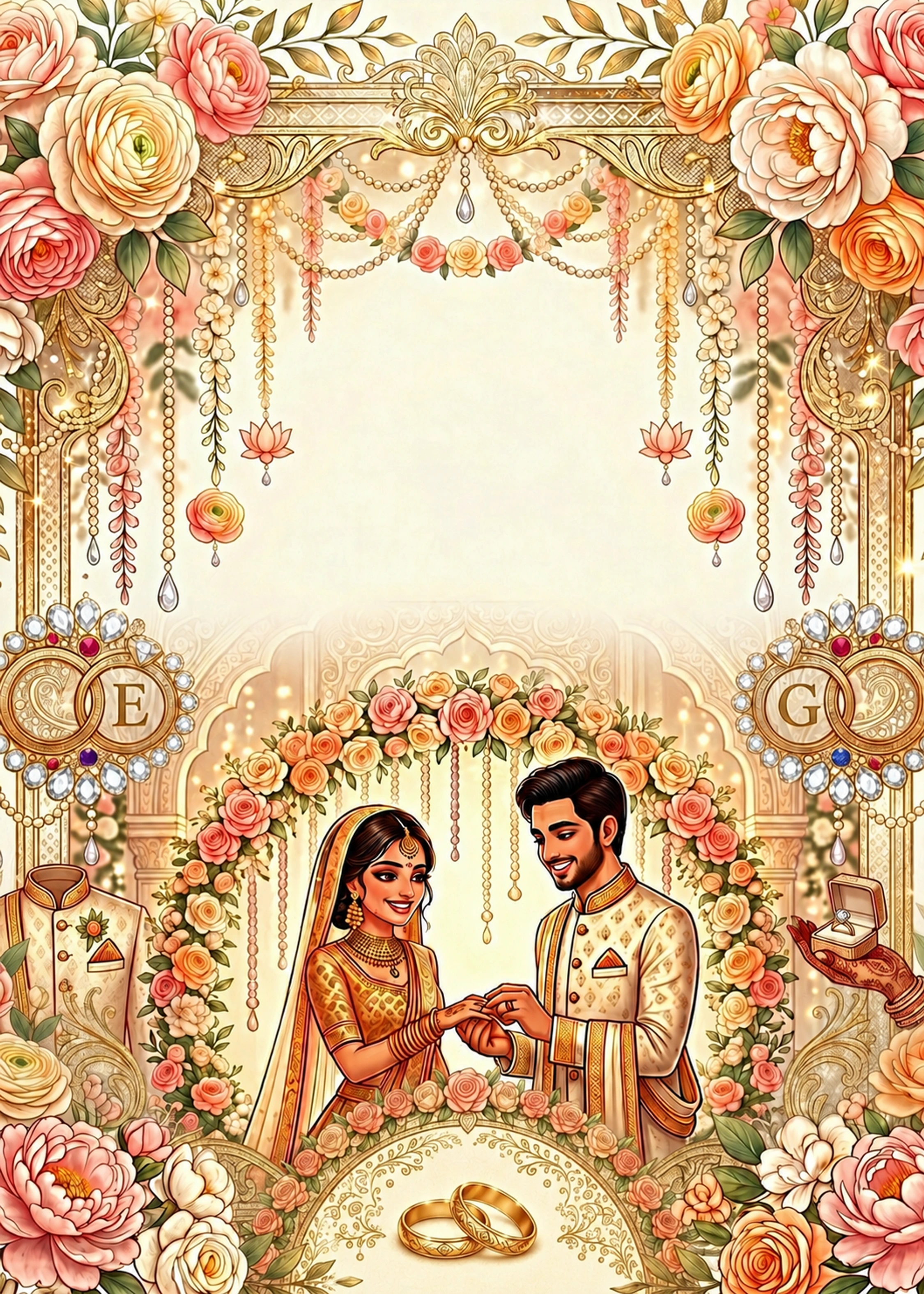
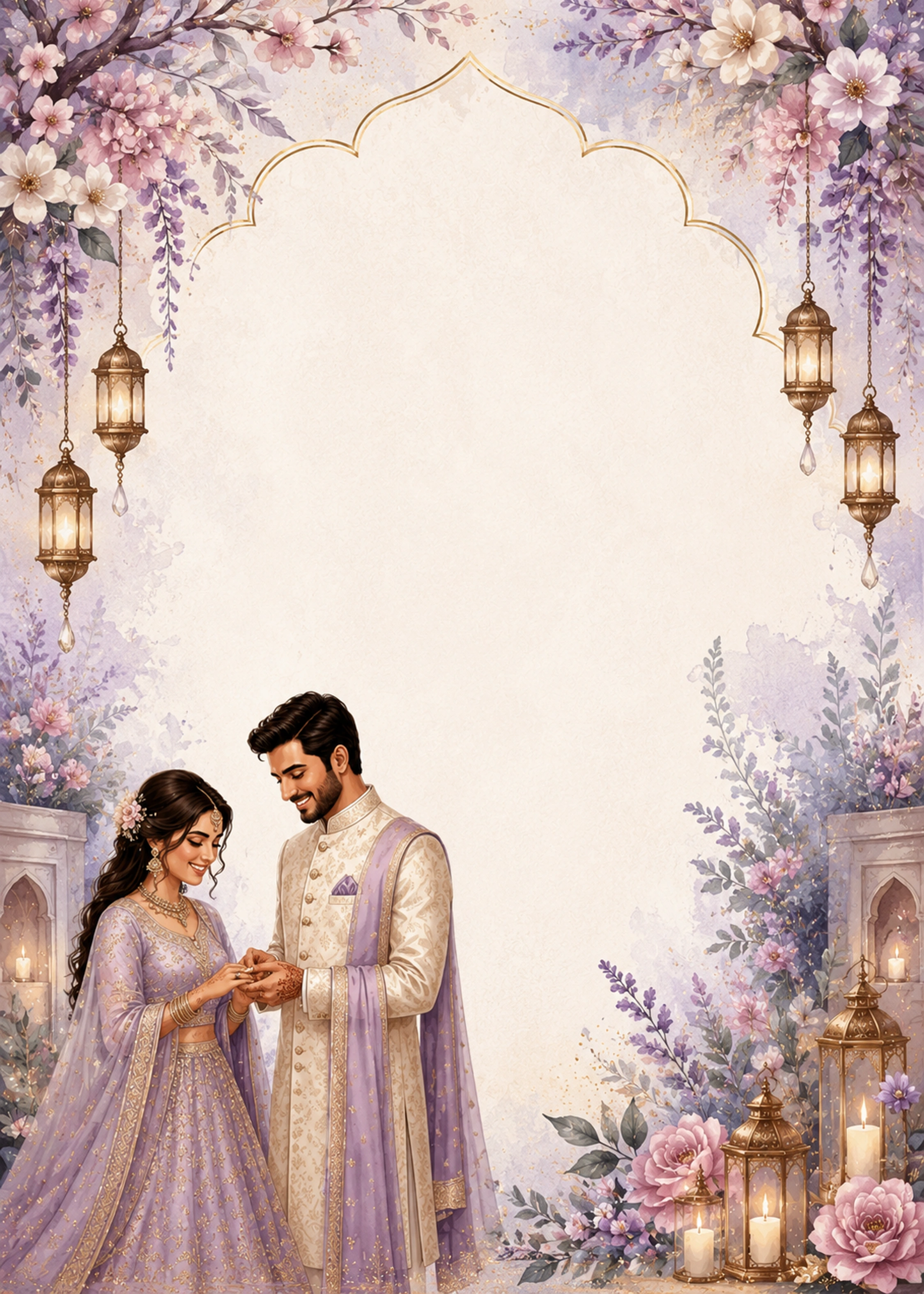
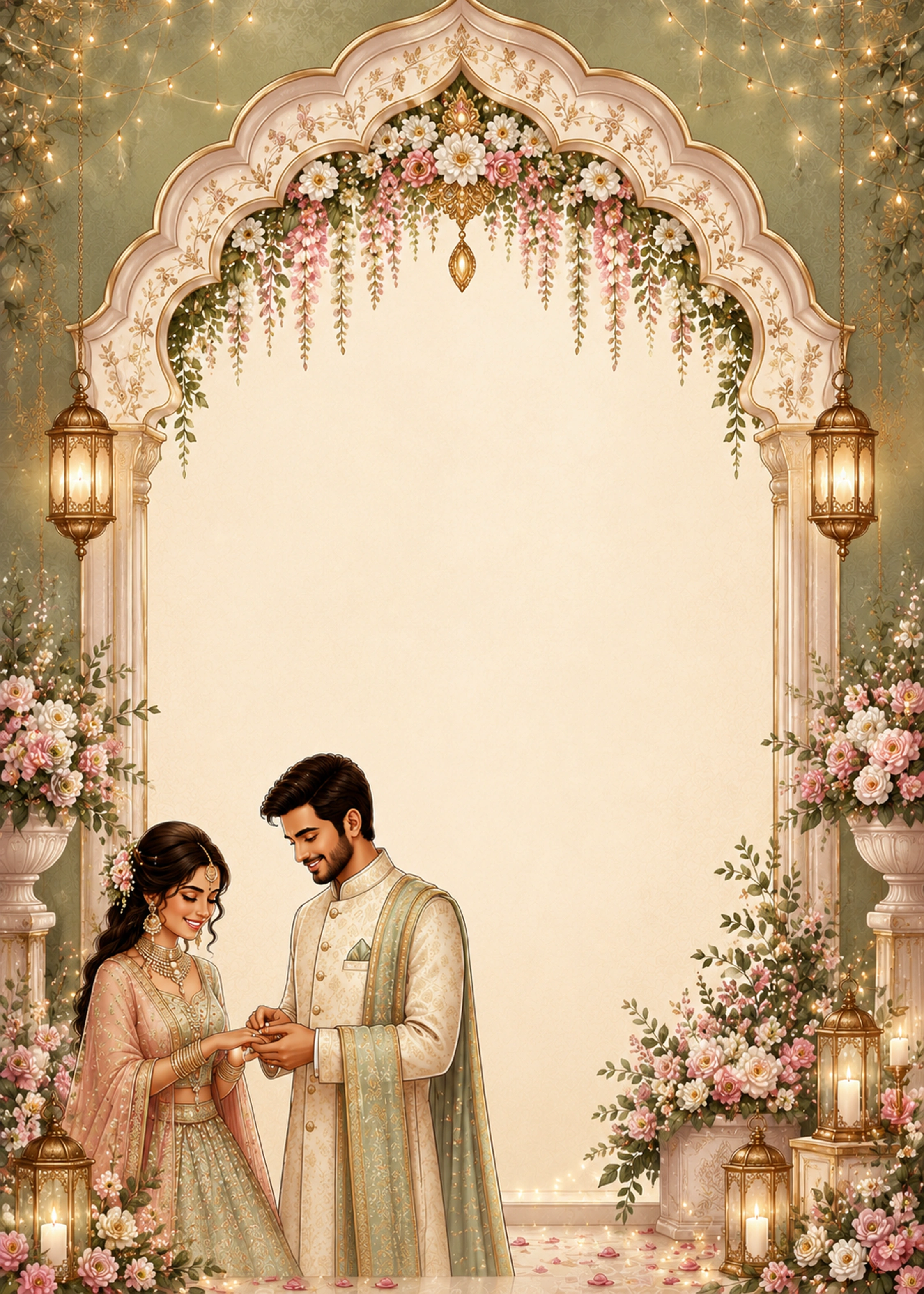
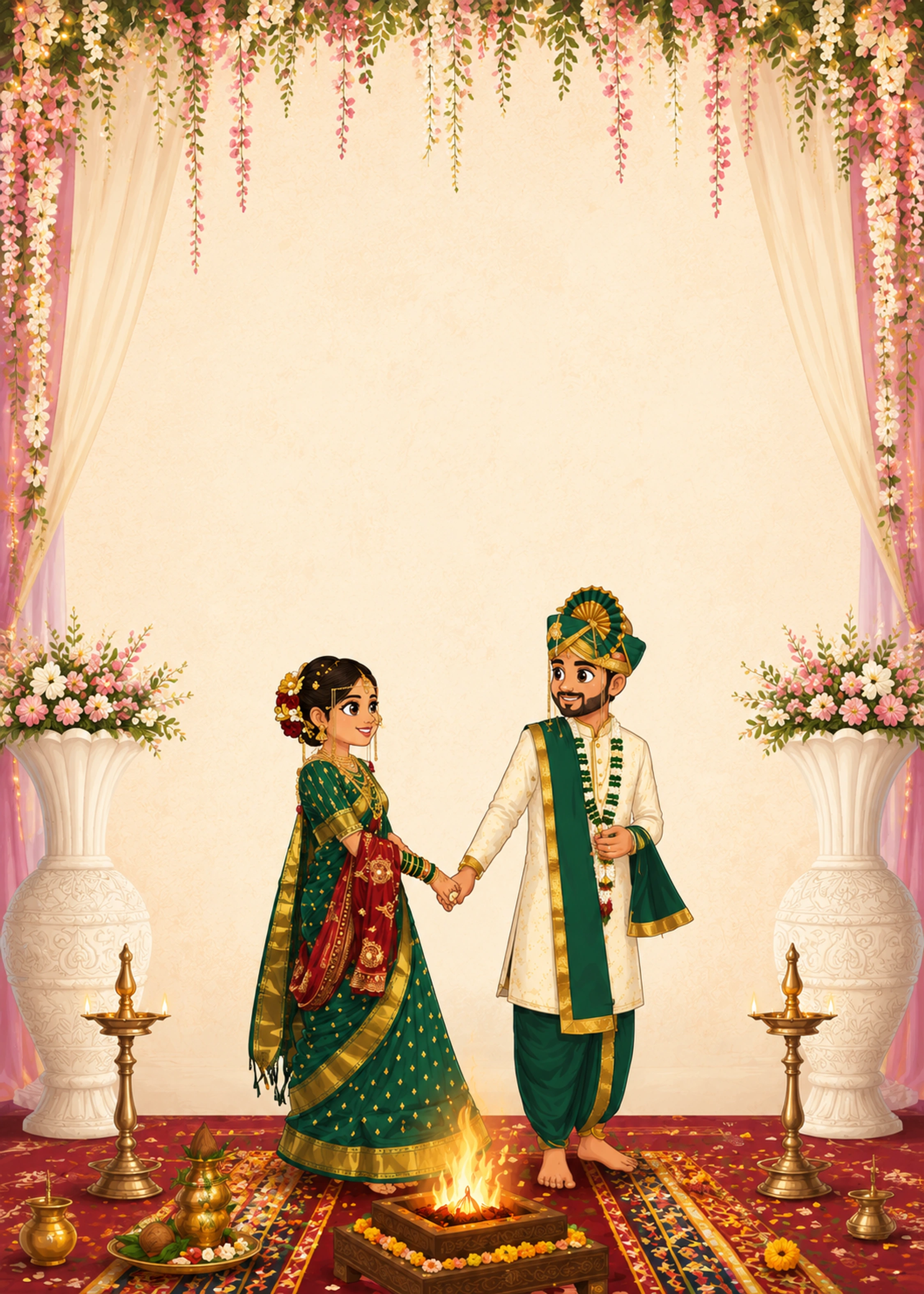
Build exciting Days to Go countdown cards for your wedding. Share the final countdown with family & friends on WhatsApp — download PDF or PNG.
Days to Go cards are countdown announcements — perfect for WhatsApp family groups and Instagram stories in the week before your wedding.
Open a template, change the couple names and wedding date, then edit the countdown line to '7 Days to Go', '3 Days Left', or 'Tomorrow We Wed'. Drag text to fit your design and download PNG instantly.
Match your countdown card to your main marriage invitation theme for a cohesive wedding brand.
Days to Go cards build anticipation before your wedding day. Share a beautiful countdown graphic with your guest list on WhatsApp, Instagram, or family groups.
Each template opens with sample names and dates already on the design. You only replace the text with your real wedding details — no blank canvas, no Photoshop.
Select Marriage, Ring Ceremony, Reception, Save the Date, or Days to Go. Click Customize — the editor opens with the full design and sample groom name, bride name, date, and venue in place.
Click the groom name text on the card. Delete the sample name and type the real groom name. Do the same for the bride name field — changes show instantly on the preview.
Click the date line and enter your ceremony date (e.g. Saturday · 12 October · 2026). Edit the time field for Muhurtham or reception timing. Click venue name and address to add your mandap, hall, or full location.
Click any parents' name line or shloka text (शुभ विवाह) and replace with your family details. Use the transliteration sidebar for Hindi, Marathi, or Gujarati text.
Select any text or sticker, then drag it on the card. Use corner handles to resize. A center guide appears while dragging so headings stay aligned.
Select text and use the top toolbar to pick a font, increase or decrease size, change colour, bold, italic, and alignment. See standard sizes below for couple names, dates, and labels.
Click Save to store your card, Share Link to send family a browser link, or Download for a print-ready PDF or WhatsApp-friendly PNG at 750×1050 px.
Click any item on the card to edit
Groom name
Click field → type name, or Autofill from biodata
Bride name
Click field → type name; Hindi & regional scripts supported
Wedding date
Ceremony, Save the Date, Ring Ceremony, or reception date
Time / Muhurtham
Ceremony timing or evening reception hour
Venue name
Mandap, banquet hall, temple, or hotel
Venue address
Street, city, or full address line
Parents' names
Groom & bride father/mother lines
Blessing / shloka
शुभ विवाह, Om, or custom phrase
RSVP note
Dress code, dinner, or reception follow-up
Photos
Upload groom, bride, or couple photo with crop
Stickers
Om, florals, rings, dividers — drag & resize
Countdown text
Days to Go messages like '3 Days to Go'
Square and portrait layouts optimized for WhatsApp status, Instagram stories, and family group shares.
Update the countdown message and names in minutes — ideal when time is short before the big day.
Use templates from the same design family as your marriage card for a cohesive wedding brand.
Summary: Design and download customized Indian wedding invitation cards online for Marriage, Ring Ceremony, Reception, Save the Date, and Days to Go. The interactive canvas editor enables instant editing of couple names, ceremony dates, Muhurtham times, venue locations, and family details with dual-format HD PDF and PNG downloads.
Definition: A wedding invitation card (Lagna Patrika / Shadi Card / Vivah Nimantran Patrika) is a ceremonial announcement documenting wedding event timings, auspicious Muhurtham coordinates, venue locations, and family ancestry to invite relatives and guests.
Audience and Use Case: Intended for prospective couples, parents, and families across Hindu, Muslim, Sikh, and Christian communities preparing formal invitations for pre-wedding and wedding celebrations.
Key Takeaway: Templates are formatted with standard 750x1050 px aspect ratios, providing both high-resolution vector PDFs for offset or digital printing and mobile-optimized PNG graphics for WhatsApp and social media distribution.
The standard resolution is 300 DPI on standard card canvas dimensions (such as 750x1050 px or 5x7 inch formats), ensuring crisp typography and vibrant border artwork without pixelation.
Yes. My Wed Profile provides dual-export capability: vector-compatible PDF files for commercial print shops and optimized PNG graphics for instant WhatsApp and social media distribution.
Users who created a matrimonial profile can click Autofill from Biodata to automatically map groom, bride, parent names, and venue details directly into card template fields in under 5 seconds.
Yes. You can use the built-in transliteration sidebar to type phonetically in English and generate accurate Marathi, Hindi, or Gujarati text for your invitations.
| Card Category | Canvas Dimensions | Export Formats | Primary Distribution Channel |
|---|---|---|---|
| Marriage Ceremony Card | 750 x 1050 px | 300 DPI Vector PDF & PNG | Print delivery and WhatsApp family invitations |
| Ring Ceremony / Roka | 750 x 1050 px | 300 DPI Vector PDF & PNG | Family WhatsApp groups and hand delivery |
| Reception Invitation | 750 x 1050 px | 300 DPI Vector PDF & PNG | Formal evening banquet dinner invites |
| Save the Date | 750 x 1050 px | High-resolution PNG & PDF | Early digital broadcast and email announcements |
| Days to Go Countdown | 750 x 1050 px | High-resolution PNG | WhatsApp status updates and Instagram stories |
Source: Indian Wedding Industry Market Study (Federation of Indian Chambers of Commerce & Industry - FICCI); International Organization for Standardization (ISO 216 paper formatting); Bureau of Indian Standards (BIS) typography print guidelines.
Official references:ISO 216 Paper Format Standards | Federation of Indian Chambers of Commerce & Industry (FICCI)