
Day to Go Wedding Cards
Build exciting Day to Go countdown cards for your wedding. Share the final countdown with family & friends on WhatsApp — download PDF or PNG.
Heritage Day to Go 77
Hindi Heritage Day To Go 95

Hindi Heritage Day To Go 85
Hindi Royal Day To Go 91
Modern Day To Go 96
Hindi Heritage Day To Go 92
Modern Day To Go 104
Modern Day To Go 102
Hindi Heritage Day To Go 88
Modern Day To Go 101

Modern Day To Go 103
Hindi Heritage Day To Go 86
Modern Day To Go 87

Heritage Day to Go 80

Modern Day To Go 98
Hindi Heritage Day To Go 110

Modern Day to Go 78
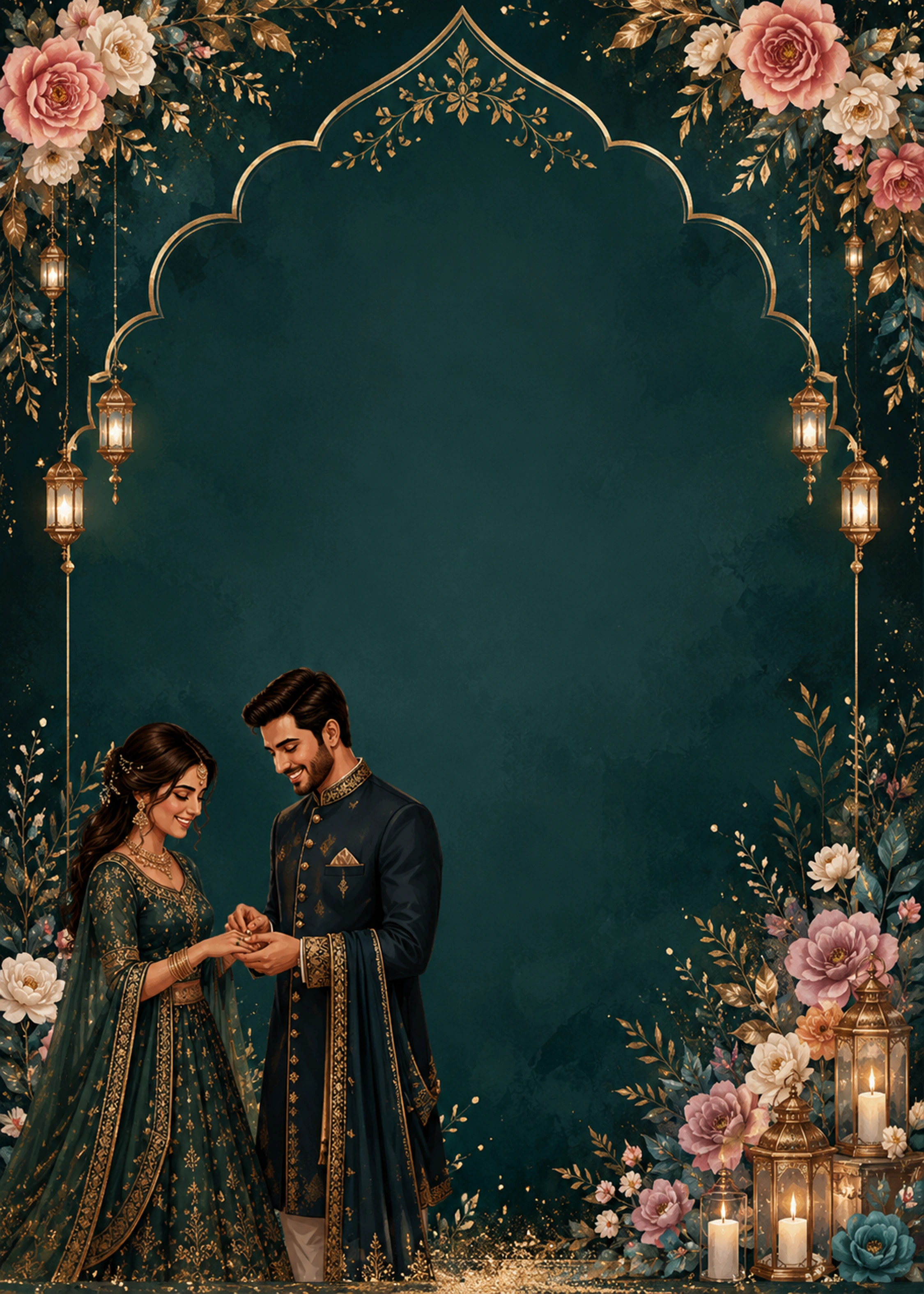
Modern Day to Go 81
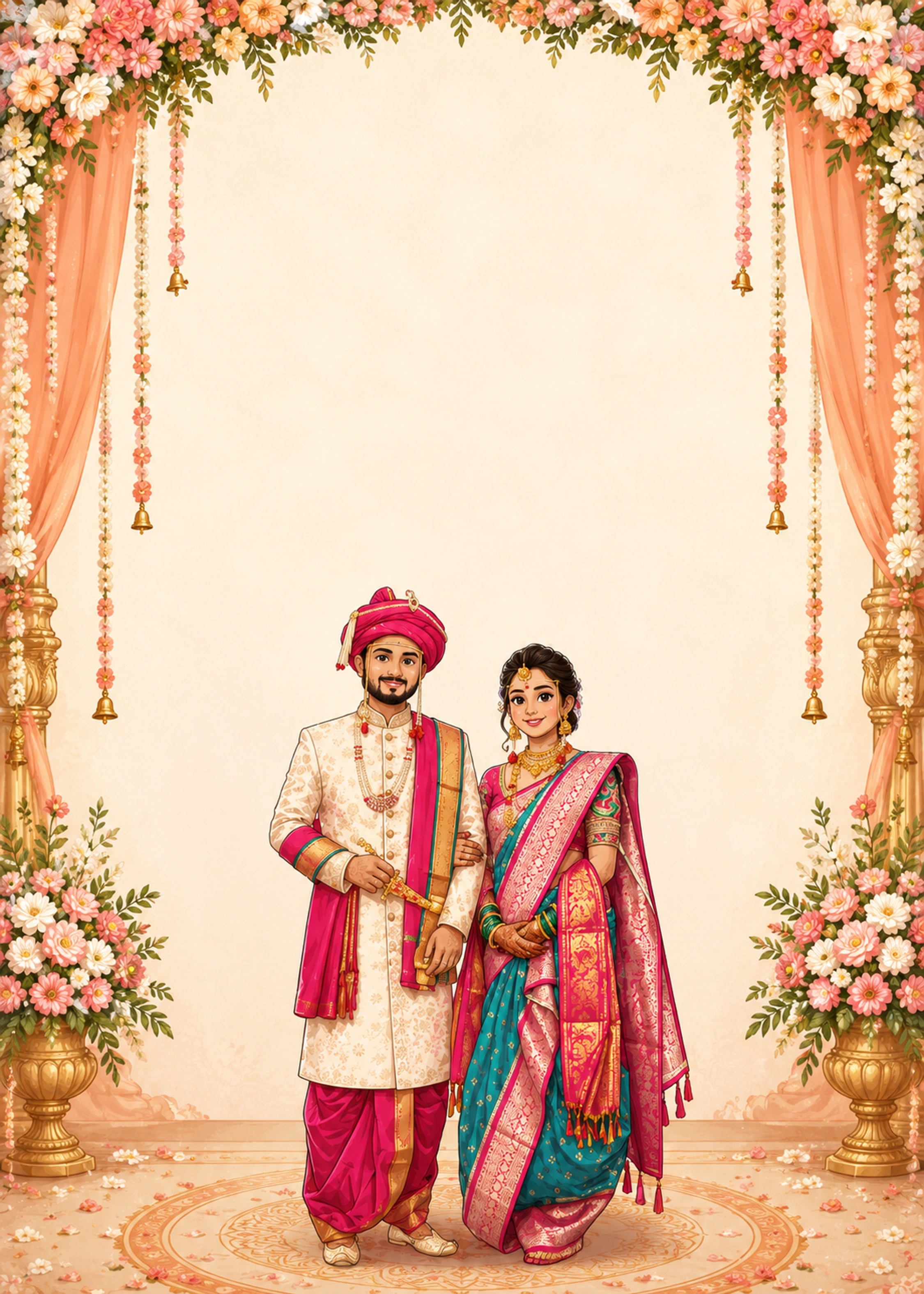
Modern Day To Go 93

Modern Day To Go 107
Scroll for more designs
Day to Go — Share the Excitement with Day to Go Cards
Day to Go cards are countdown announcements — perfect for WhatsApp family groups and Instagram stories in the week before your wedding.
Open a template, change the couple names and wedding date, then edit the countdown line to '7 Days to Go', '3 Days Left', or 'Tomorrow We Wed'. Drag text to fit your design and download PNG instantly.
Match your countdown card to your main marriage invitation theme for a cohesive wedding brand.
Day to Go cards build anticipation before your wedding day. Share a beautiful countdown graphic with your guest list on WhatsApp, Instagram, or family groups.
How to Design Your Card & Change Your Details
Each template opens with sample names and dates already on the design. You only replace the text with your real wedding details — no blank canvas, no Photoshop.
- 1
Choose a category and pick a template
Select Marriage, Tilak, Reception, Save the Date, or Day to Go. Click Customize — the editor opens with the full design and sample groom name, bride name, date, and venue in place.
- 2
Click the groom name and type yours
Click the groom name text on the card. Delete the sample name and type the real groom name. Do the same for the bride name field — changes show instantly on the preview.
- 3
Update wedding date, time & venue address
Click the date line and enter your ceremony date (e.g. Saturday · 12 October · 2026). Edit the time field for Muhurtham or reception timing. Click venue name and address to add your mandap, hall, or full location.
- 4
Change parents' names and blessing lines
Click any parents' name line or shloka text (शुभ विवाह) and replace with your family details. Use the transliteration sidebar for Hindi, Marathi, or Gujarati text.
- 5
Drag text or stickers to reposition
Select any text or sticker, then drag it on the card. Use corner handles to resize. A center guide appears while dragging so headings stay aligned.
- 6
Adjust fonts, size & colour from the toolbar
Select text and use the top toolbar to pick a font, increase or decrease size, change colour, bold, italic, and alignment. See standard sizes below for couple names, dates, and labels.
- 7
Save and download PDF or PNG
Click Save to store your card, Share Link to send family a browser link, or Download for a print-ready PDF or WhatsApp-friendly PNG at 750×1050 px.
Fields you can change
Click any item on the card to edit
Groom name
Click field → type name, or Autofill from biodata
Bride name
Click field → type name; Hindi & regional scripts supported
Wedding date
Ceremony, Save the Date, Tilak, or reception date
Time / Muhurtham
Ceremony timing or evening reception hour
Venue name
Mandap, banquet hall, temple, or hotel
Venue address
Street, city, or full address line
Parents' names
Groom & bride father/mother lines
Blessing / shloka
शुभ विवाह, Om, or custom phrase
RSVP note
Dress code, dinner, or reception follow-up
Photos
Upload groom, bride, or couple photo with crop
Stickers
Om, florals, rings, dividers — drag & resize
Countdown text
Day to Go messages like '3 Days to Go'
Perfect for Wedding Countdowns
Social-Ready Designs
Square and portrait layouts optimized for WhatsApp status, Instagram stories, and family group shares.
Quick to Customize
Update the countdown message and names in minutes — ideal when time is short before the big day.
Matches Your Main Invite
Use templates from the same design family as your marriage card for a cohesive wedding brand.