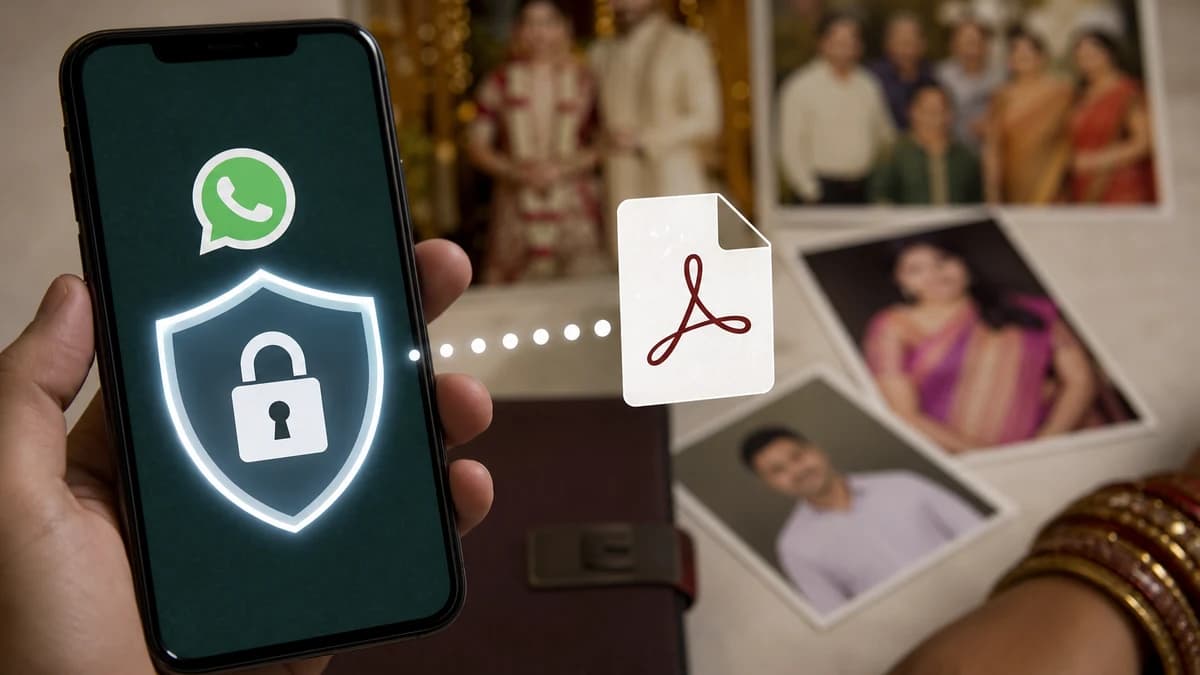
The Privacy Trap of Floating Matrimonial PDFs
In the digital age, WhatsApp has become the primary platform for exchanging marriage biodatas. While convenient, the habit of sending raw, static PDF files or images to unknown contacts poses significant privacy and security risks. Once you send a PDF, you lose complete control over your personal photograph, career credentials, address, and contact numbers.
🛡 Cybersecurity Warning:
Matrimonial identity fraud is on the rise. A floating PDF contains enough private variables (photo, birth timing, parent names, office location) to let malicious actors create duplicate accounts or launch spear-phishing scams.
1. The Critical Risks of Static PDF Sharing
When you share a raw PDF file or image, keep these high-priority security concerns in mind:
- Uncontrolled Forwarding: Your profile can be forwarded indefinitely across random WhatsApp groups, relatives, and databases without your knowledge or consent.
- Identity Theft: Malicious actors can harvest your phone number, parents' details, and professional credentials for phishing scams.
- Outdated Information: If you change your job, salary, or template design, the outdated PDF is already floating around permanently, leading to mismatched expectations.
2. Static PDF vs. Dynamic Secure Web Link
Modern developers have built smart secure link sharing algorithms to solve matrimonial privacy. Here is how they stack up:
| Security Metric |
Static PDF File |
Dynamic Secure Web Link |
| Revoke Access |
Impossible (Permanent) |
Instantly via Dashboard |
| Real-time Edits |
Requires creating a new file |
Auto-updates on same link |
| Access Tracking |
No indicators |
Logs view counts & logs |
3. Tips to Share Your Profile Safely
Follow these security guidelines to keep your matrimonial search safe:
- Hide sensitive contact details: Avoid listing your exact home address. Mention the city and locality instead, sharing the exact address only after initial compatibility checks.
- Use a secondary phone number: If possible, list a dedicated number for initial parent screening, keeping your personal contact details secure.
- Select high-quality templates: A premium, clean template design with professional typography ensures you look respectable, allowing you to hide over-revealing data while keeping the profile highly professional.