
Send wedding invitations on WhatsApp the right way. Learn ideal image size, PNG vs PDF format, compression tips, and how to avoid blurry digital marriage cards.
Author
Digital Wedding Specialist
Published
23 June 2026
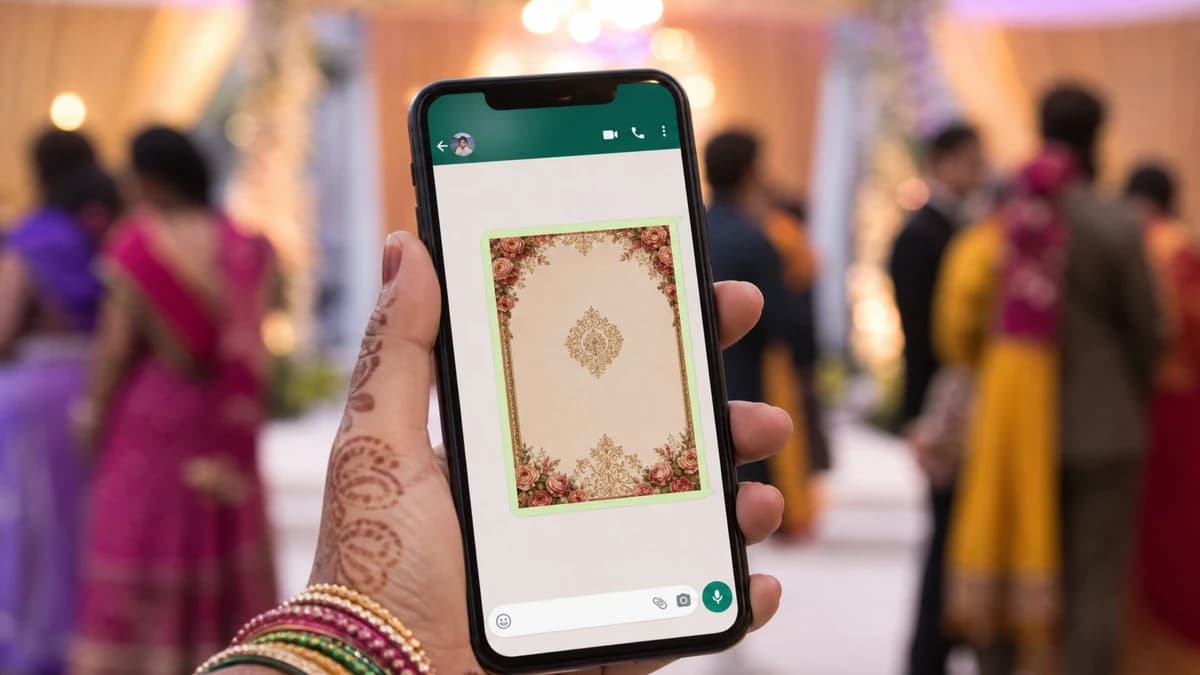
From Mumbai to Indore, families share WhatsApp wedding invitation cards before printed bundles arrive. Guests expect a clear image or PDF they can forward to relatives abroad. A poorly sized or blurry card reflects on the family's attention to detail — so format matters.
Create both from MyWedProfile invitation card editor in one design session.
| Use Case | Recommended Size |
|---|---|
| WhatsApp chat image | 750×1050 px portrait, under 2 MB |
| WhatsApp Status | 1080×1920 px story crop or centred card |
| Print from PDF | A4 or 5×7 inch PDF at high resolution |
Send a short message with the card: couple names, date, city, and RSVP number. For multi-event weddings, share separate marriage and reception cards rather than one overcrowded image.
Topics Covered